Your closet, with a stylist
Stop deciding.
Start wearing.
WotToWear turns your closet into a daily pick. Photograph your clothes once, and Mira, your in-app stylist, suggests an outfit every morning, plans looks for any occasion, and shows how they'd look on you.
- iOS & Android
- Free to download
- No ads
How it works
Three steps. Out the door.
01
Snap your clothes
Take a photo or pick one from your gallery. Mira suggests the category and colour, and the photo is cleaned up into a product-style shot.
02
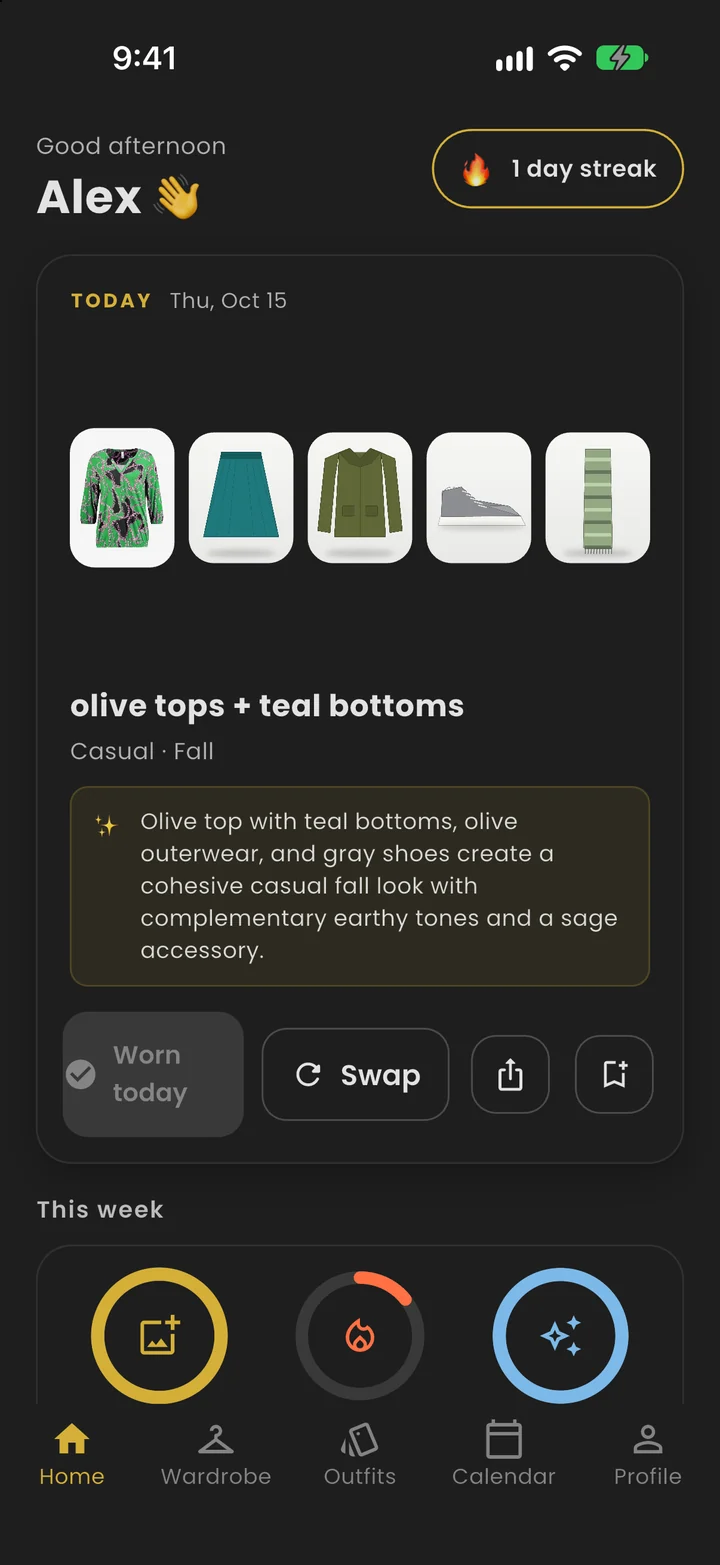
Get today's pick
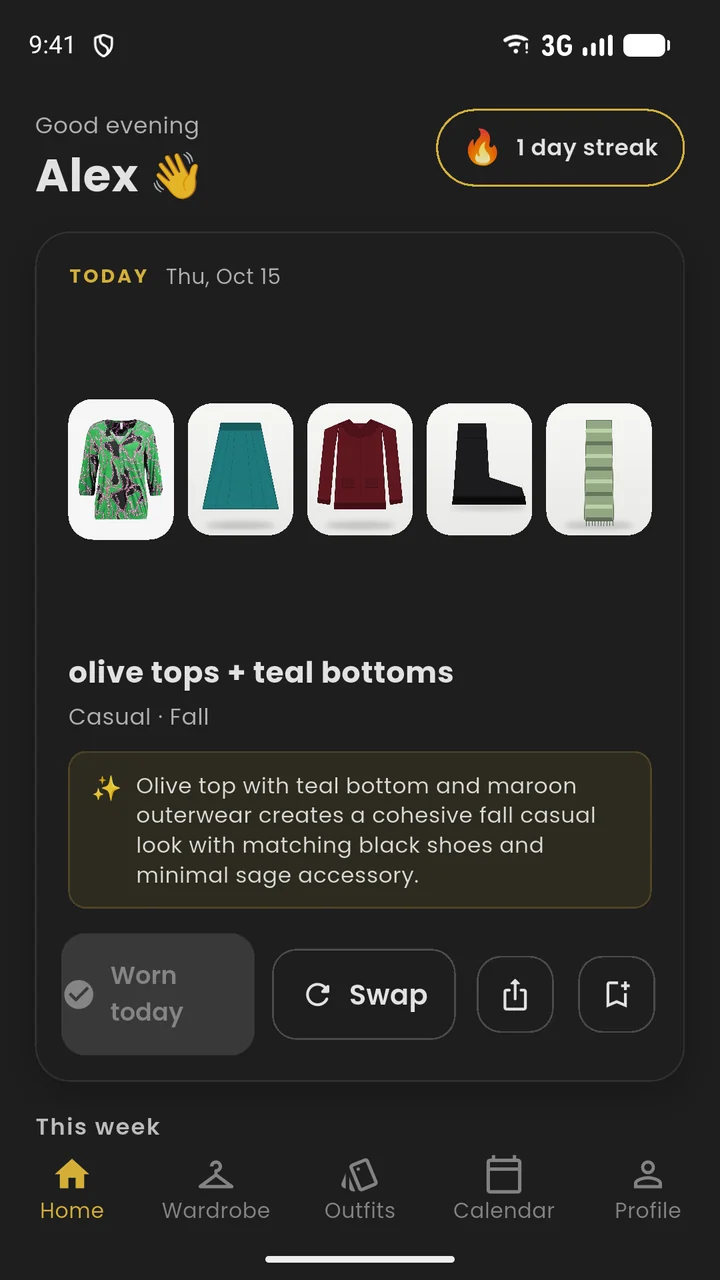
Open the app and your outfit is waiting, built from your own clothes. Not what you want? Tap Swap for another.
03
Wear it, keep the streak
Tap Wearing it each day to check in. Consecutive days grow your streak, and your wear history builds your insights.
Daily pick
One outfit, every morning.
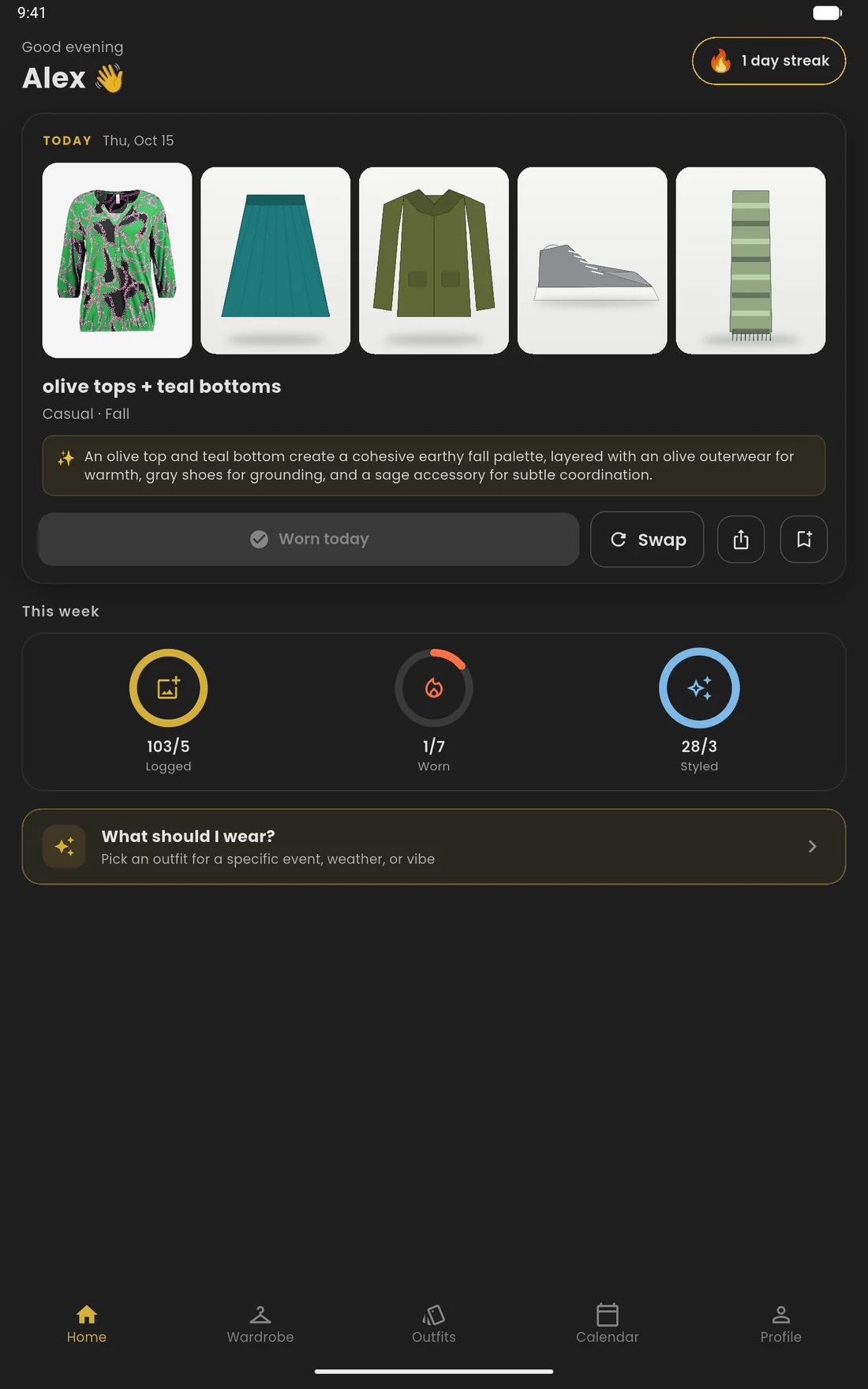
Mira, your in-app stylist, builds a look from your own clothes each day. She rotates through your wardrobe so you don't see the same outfit twice in a row, and favours pieces you haven't worn lately.
- Tap Swap for a different pick
- Save any pick as an outfit with one tap
- Check in with Wearing it to grow your streak
Digital closet
Snap it. Forget it. Wear it.
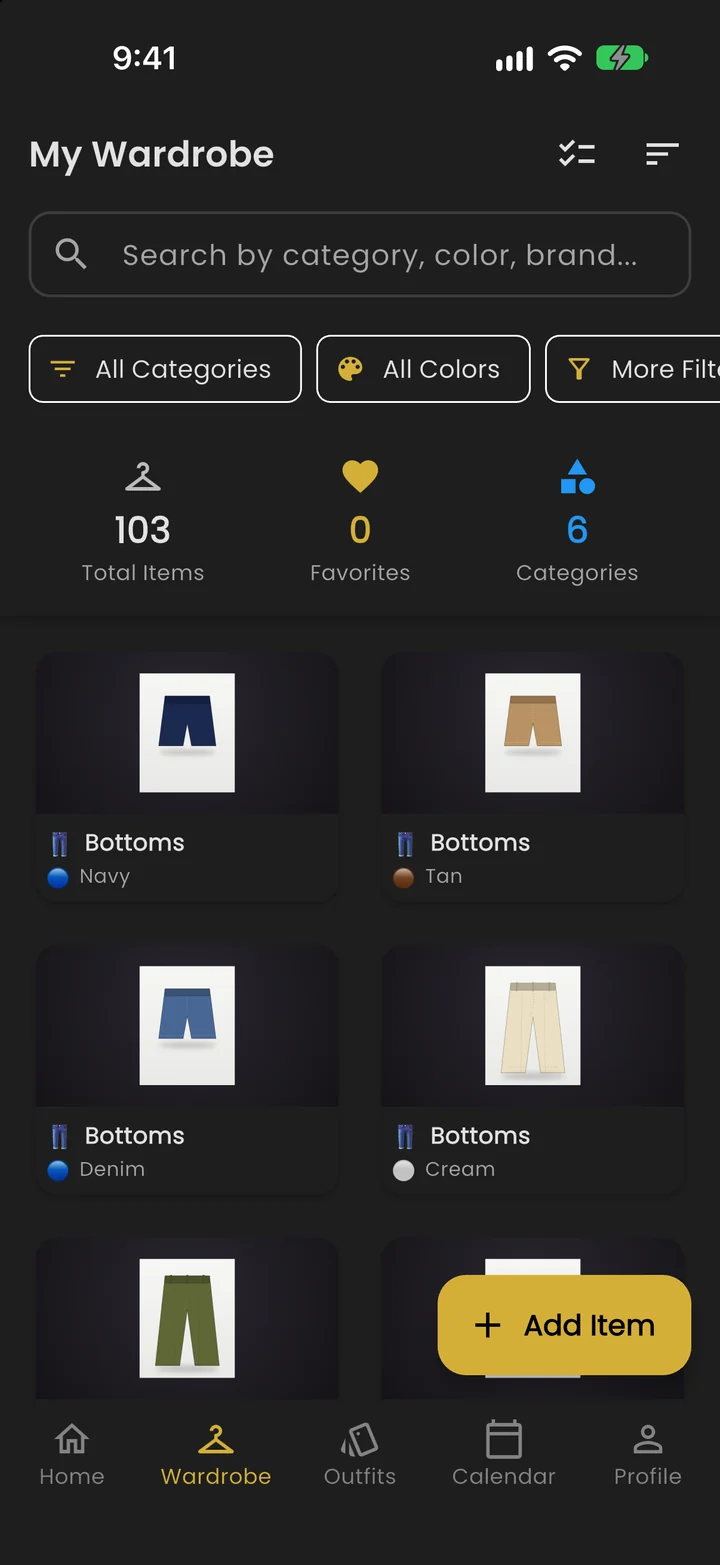
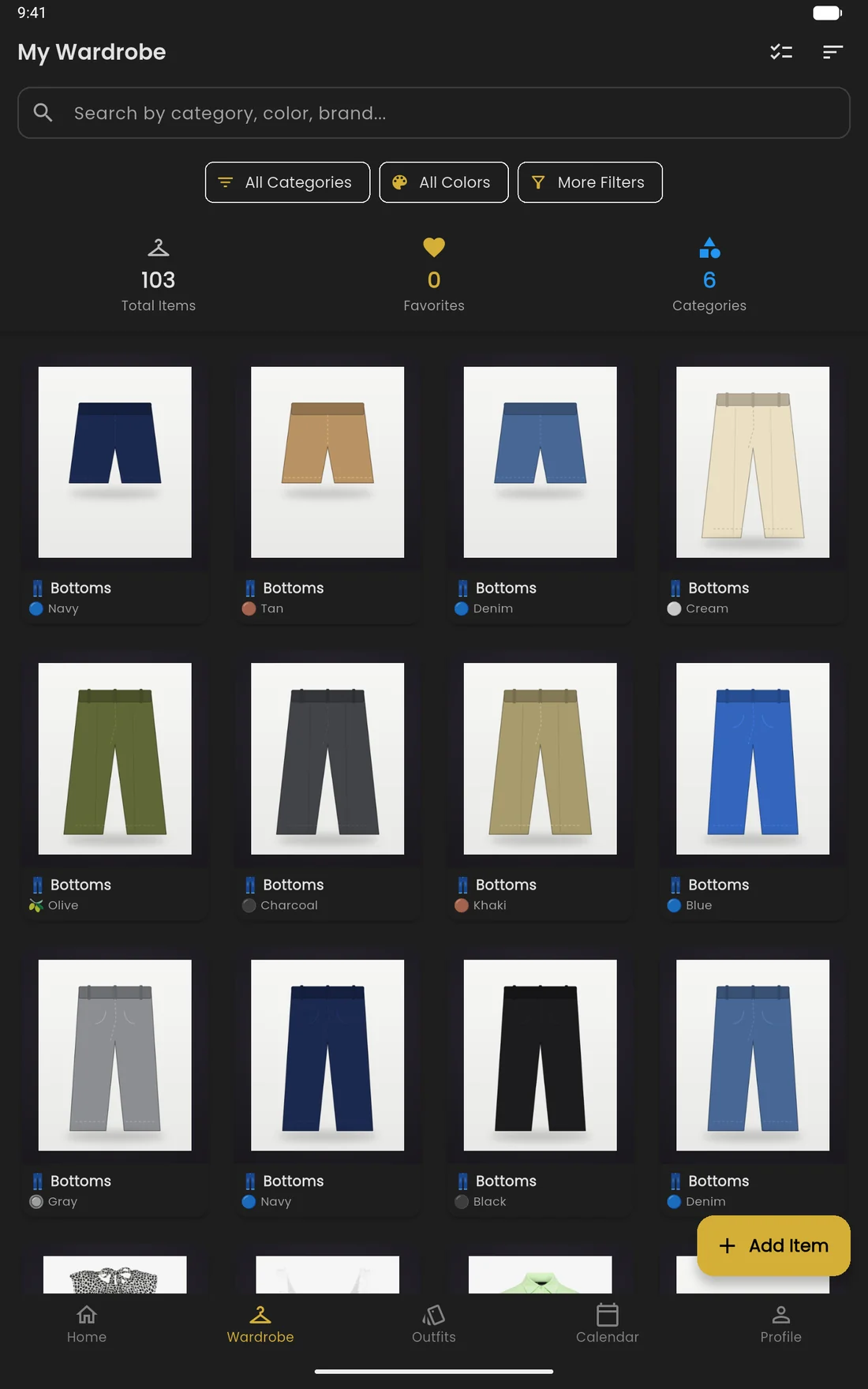
Add clothes from your camera or gallery. Mira suggests the category and colour, and the photo is cleaned up into a product-style shot. You can change anything before saving, or edit it later.
- Search, filter and sort your whole closet
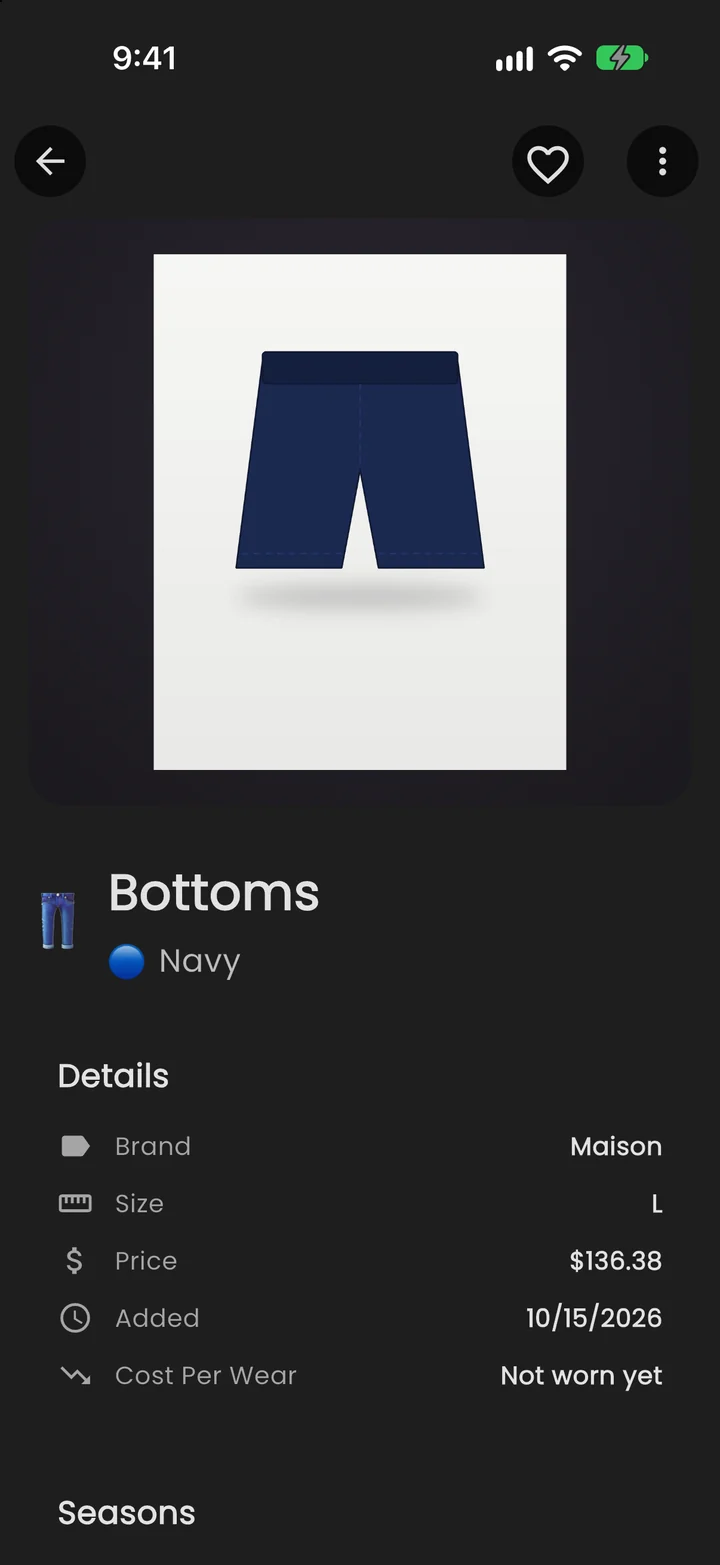
- Track brand, size, price and how often you wear each piece
- Your closet is private to your account
Any occasion
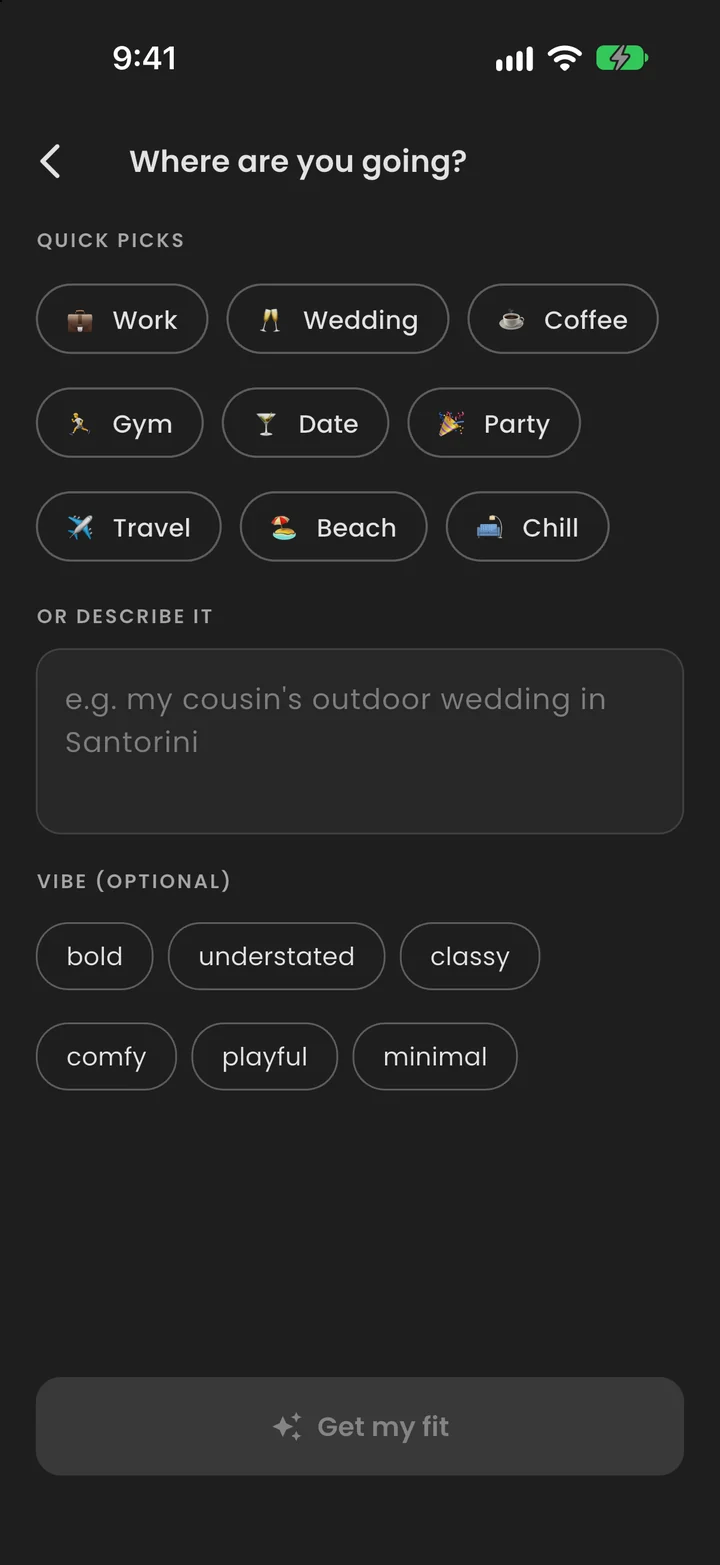
Where are you going?
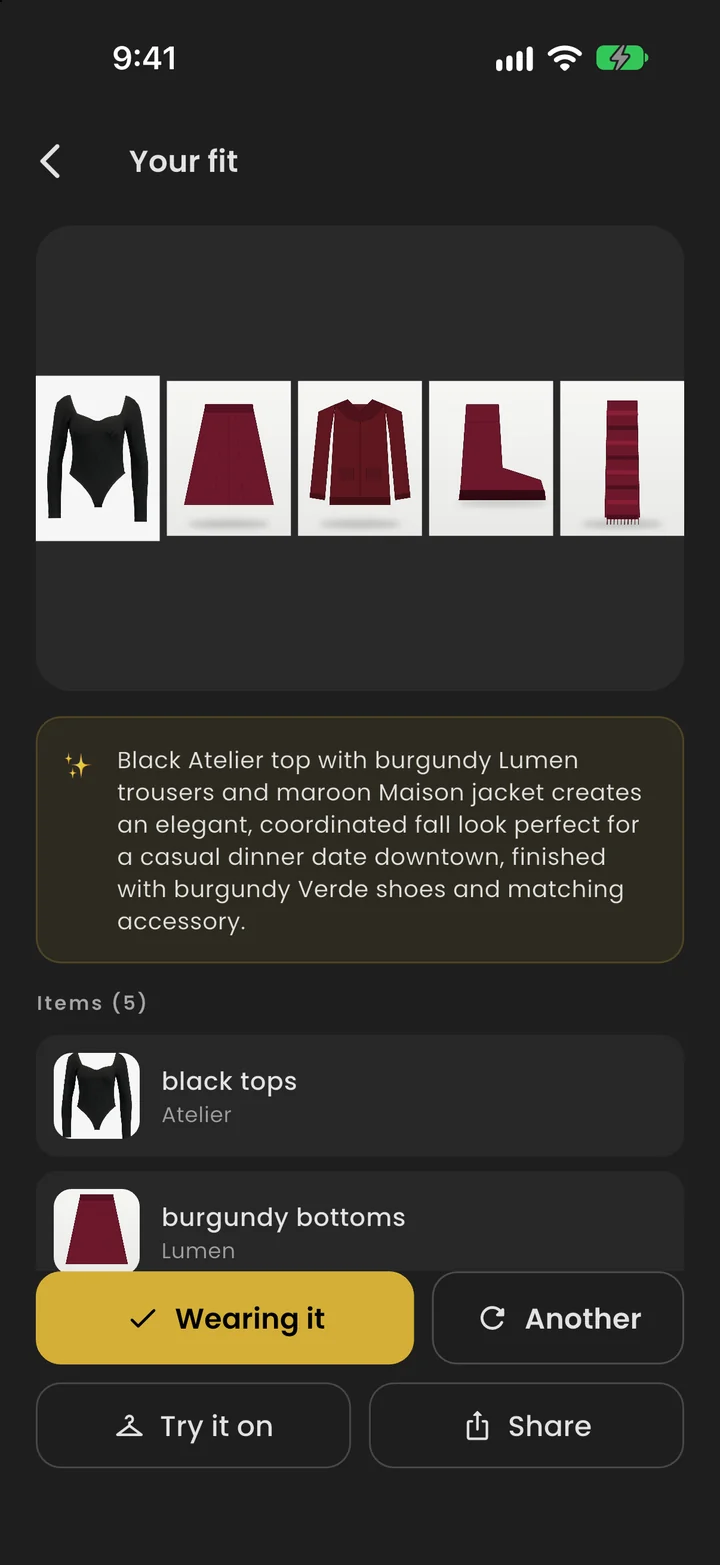
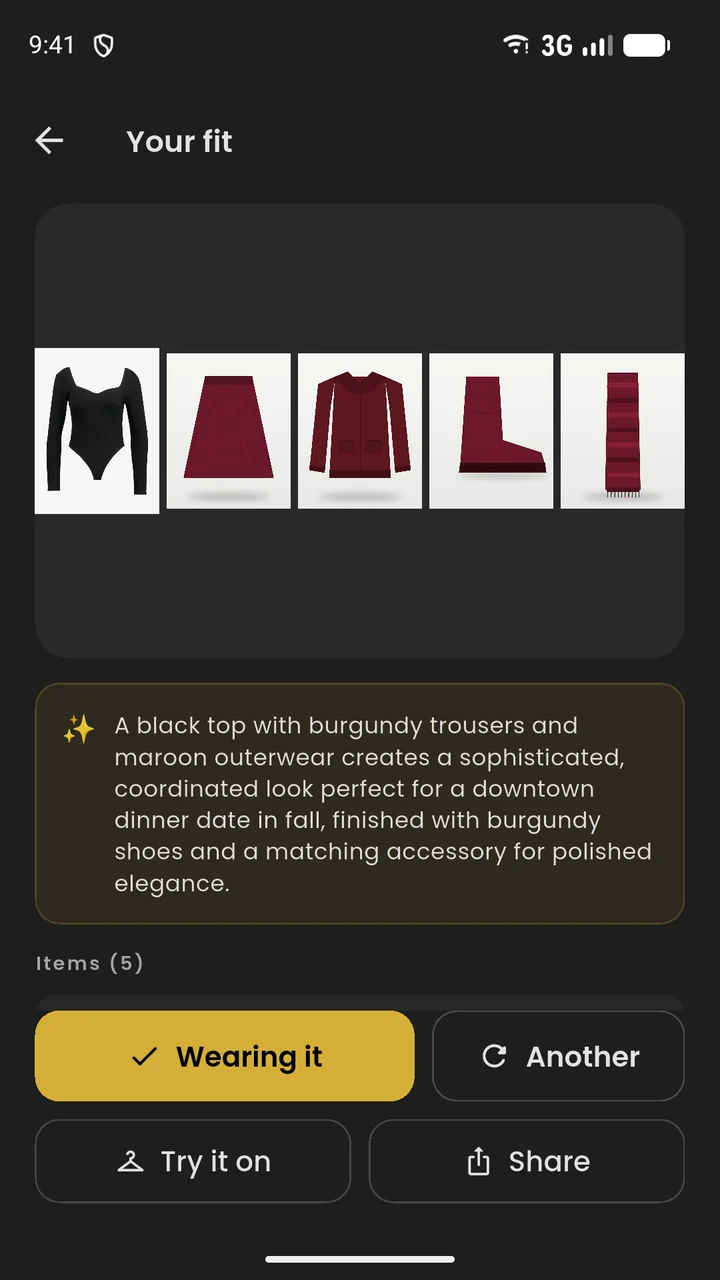
Tap “What should I wear?”, describe the plan or pick a preset, and Mira suggests a fit for it, with a short reason you can agree or disagree with. Not feeling it? Ask for another.
- Describe it in your own words, like “dinner date downtown”
- Every suggestion comes with the reasoning
- Save the ones you love to your outfits
Outfits & calendar
Plan the week before it starts.
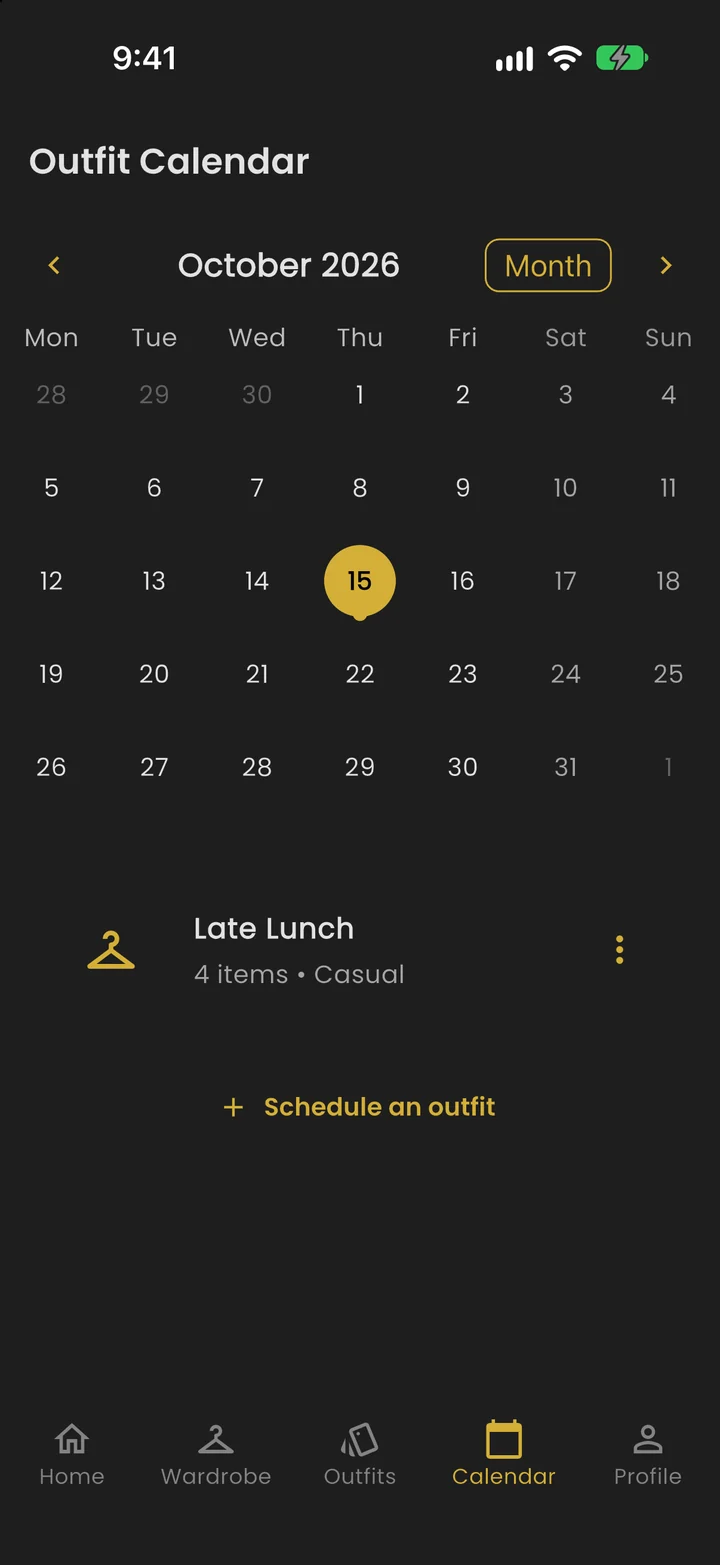
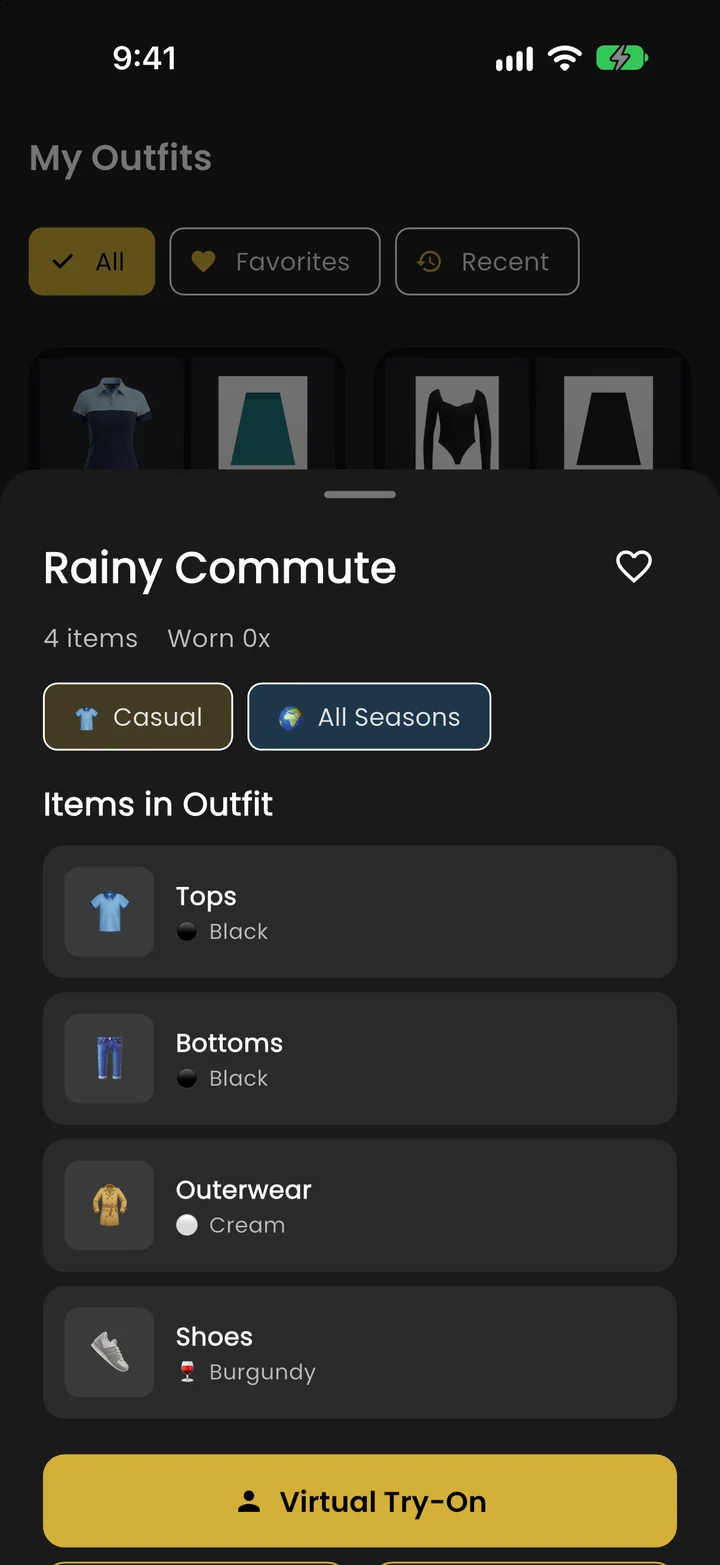
Build outfits yourself or let AI auto-create one, favourite the best, and schedule them on the calendar. Add a reminder and the app nudges you that morning.
- Create, edit and favourite outfits
- Schedule looks for any day, with optional reminders
- Mark outfits worn to keep your history accurate
Virtual try-on
See it on you before you wear it.
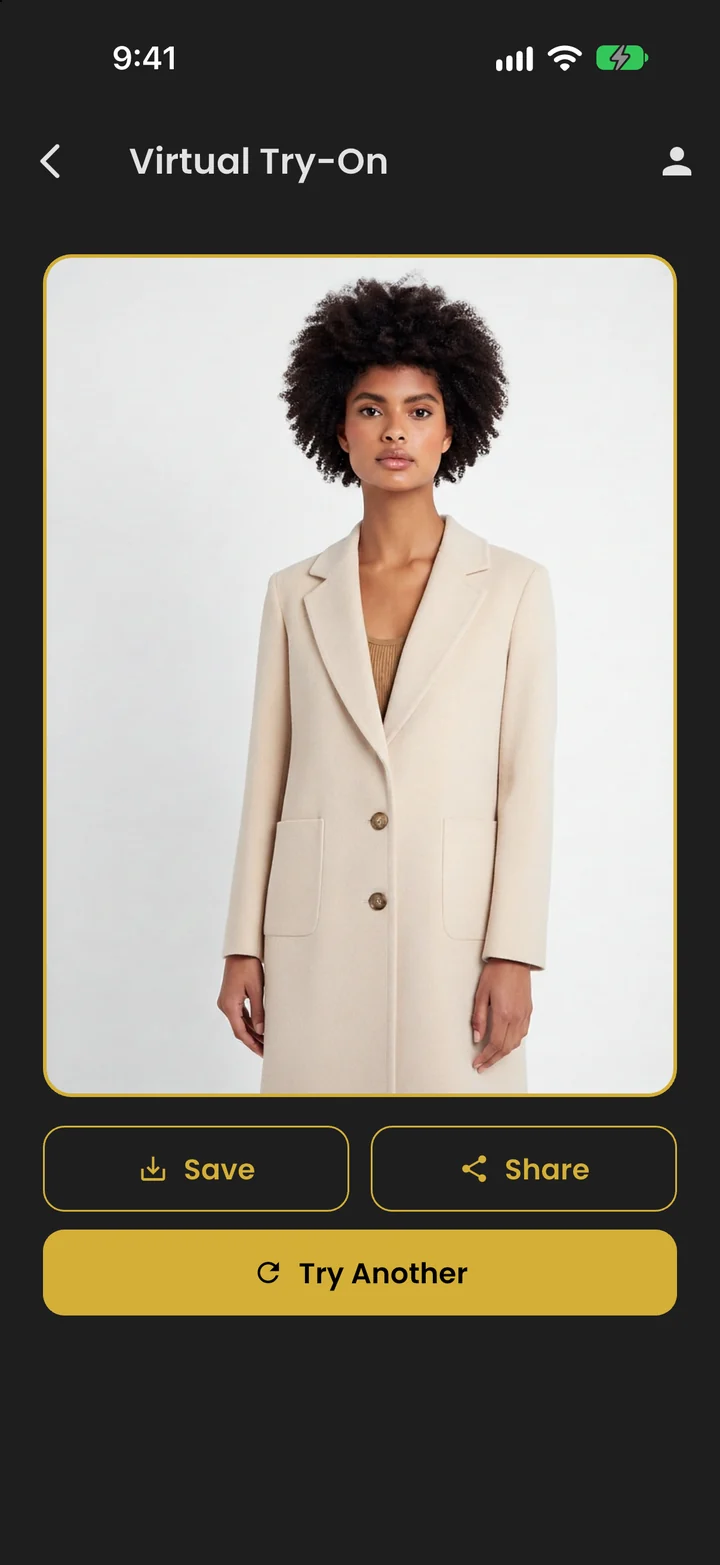
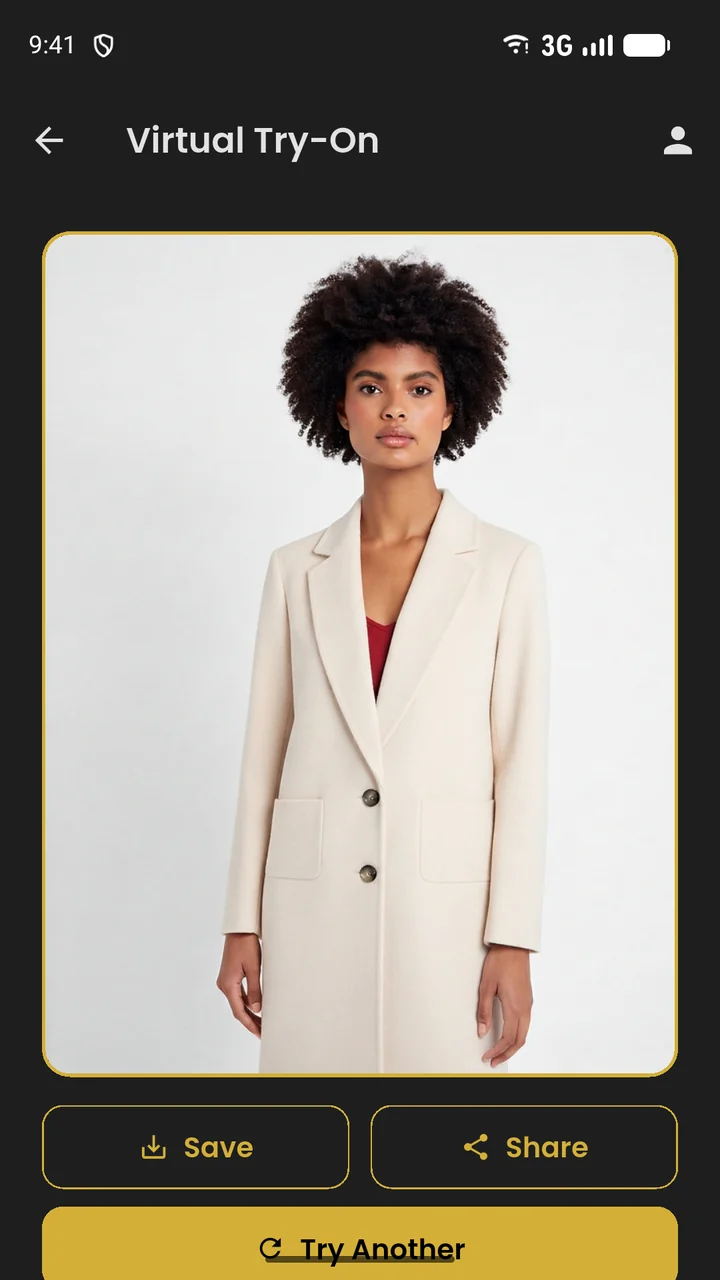
Add a photo of yourself once, then try on any top, bottom, dress or jacket in your closet, or a whole outfit. Rendering takes a few seconds, and you can save or share the result.
- Works with tops, bottoms, dresses and outerwear
- Shoes and accessories aren't supported yet
- A clear, well-lit photo gives the best results
Wardrobe insights
Know what you actually wear.
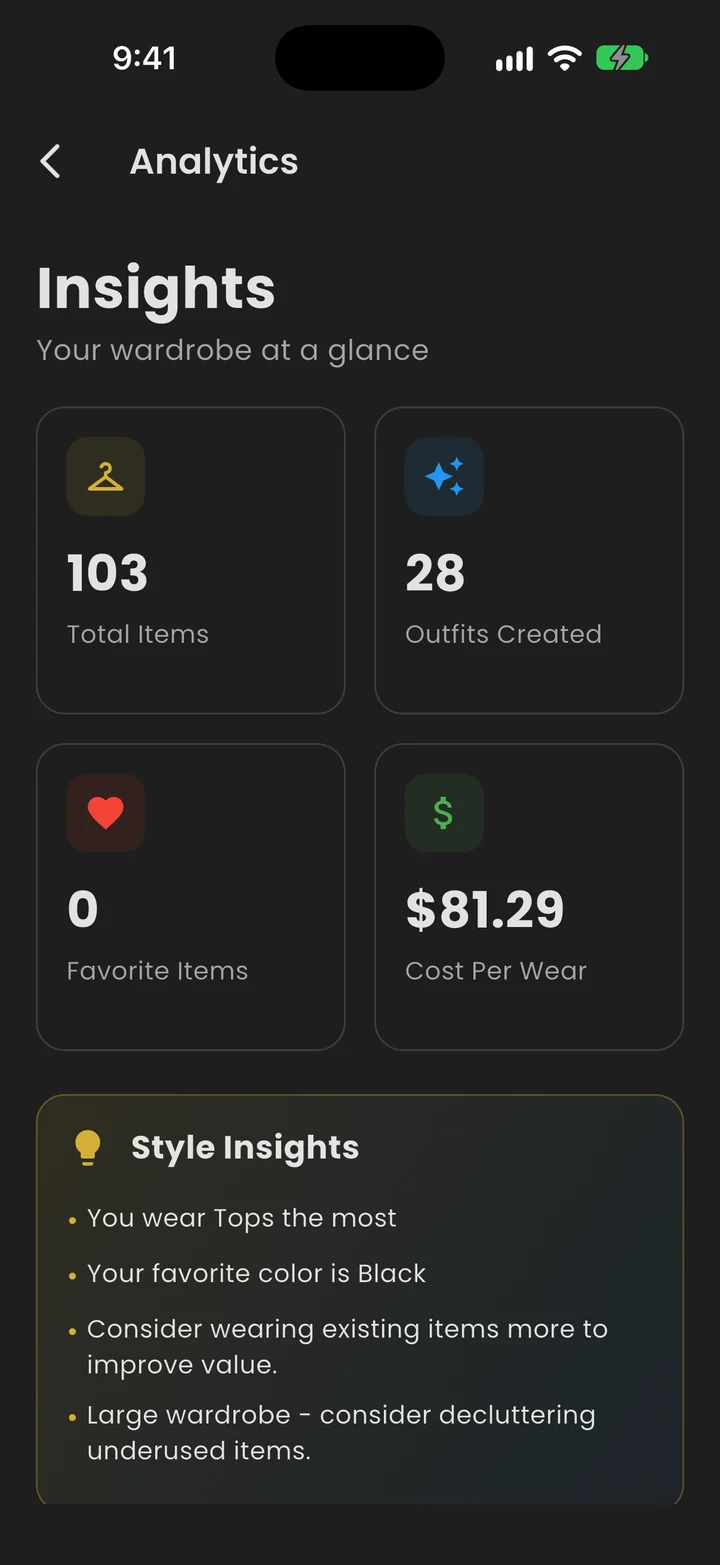
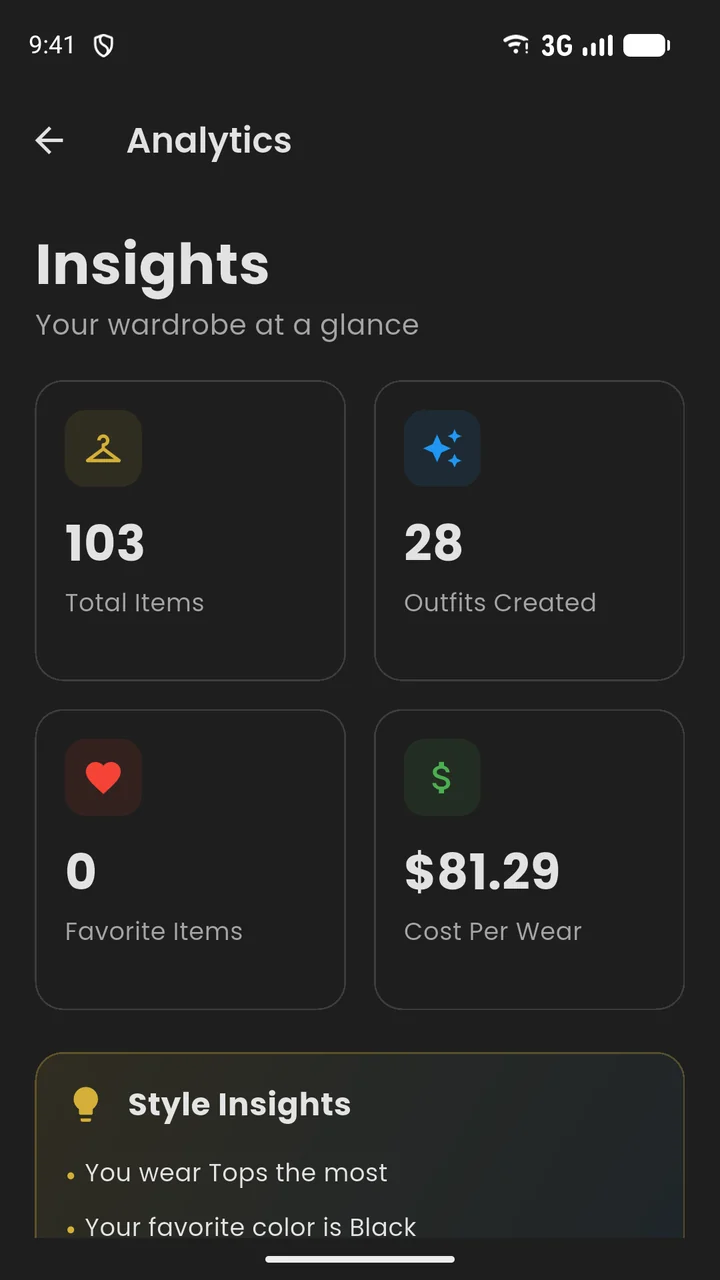
Your wear history turns into insights: cost per wear, your most-worn pieces, colour and category breakdowns, and the gaps in your closet.
- See what earns its place
- Spot the pieces you never reach for
- Find what your closet is missing
A look inside
Black, gold and built for mornings.
Android too
Same closet. Every screen.
WotToWear runs on Android phones and tablets as well as iPhone and iPad. The layout adapts to the screen, so your closet fills a tablet or an unfolded foldable instead of stretching.
Your closet is yours
Honest about your data.
Private by default
Your closet lives in your account and only you can see it. There are no public profiles, feeds or followers.
AI only when you use it
A photo or your closet details are sent to an AI partner only to power the feature you tapped: Anthropic (Claude) for tagging and outfit suggestions, Photoroom for photo cleanup, Google Vertex AI for try-on. Requests go through our servers, without your name or email.
Delete everything, anytime
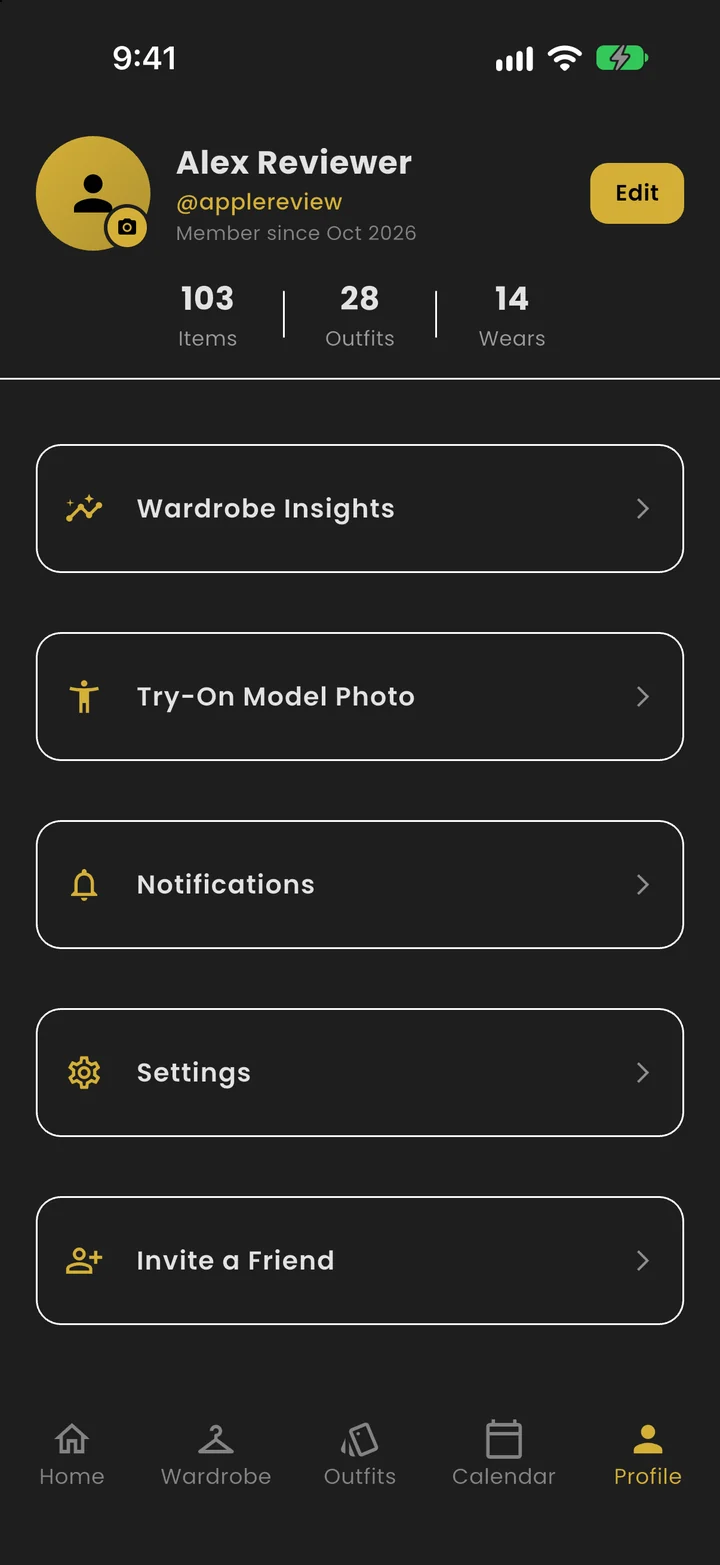
Profile → Settings → Delete Account removes your account and all your data: clothes, outfits and photos.
We don’t sell your data or use it for advertising. Read the full privacy policy.
Questions
Good to know.
What is WotToWear?+
A digital closet with an AI stylist, Mira. Add photos of your clothes and Mira suggests an outfit every day, or for any occasion you describe.
How does Mira pick my outfit?+
Every day the Home screen shows a suggestion built from your own clothes. Mira rotates through your wardrobe so you don't see the same look every day, and favours pieces you haven't worn lately. Tap Swap for a different one.
Can I get an outfit for a specific occasion?+
Yes. Tap “What should I wear?” on the Home screen, describe where you're going or pick a preset, and Mira suggests a look for it.
How does virtual try-on work?+
Add a photo of yourself in Profile → Try-On Model Photo (a clear, well-lit photo works best), then open any clothing item or outfit and tap Virtual Try-On. It works with tops, bottoms, dresses and outerwear; shoes and accessories aren't supported yet.
What is the streak?+
Tap Wearing it on the Home screen each day to check in. Consecutive days grow your streak, and if you miss a day it starts again.
Which devices does it run on?+
iPhone and iPad (iOS 15 or later) and Android phones and tablets (Android 7.0 or later). There's no web version.
Does it cost anything?+
WotToWear is free to download and has no ads. AI features have a daily limit per account that resets at midnight UTC.
How do I delete my account?+
Profile → Settings → Delete Account. It permanently removes your account and all your data, including wardrobe items, outfits and photos.
More questions? techfmr@gmail.com
Your mornings, solved.
Free to download, no ads. Add your first five items and Mira starts picking for you.
iPhone & iPad (iOS 15+) · Android phones & tablets (Android 7.0+)
Want to know when it’s live? Email us and we’ll let you know.